


ChatGPT Review 2026: Is It Still the Best AI Chatbot for Android?

2026-07-08
In-depth ChatGPT review for Android in 2026. We test the free tier, Plus plan, voice mode, image generation, and compare it against Claude and Gemini to help you decide.
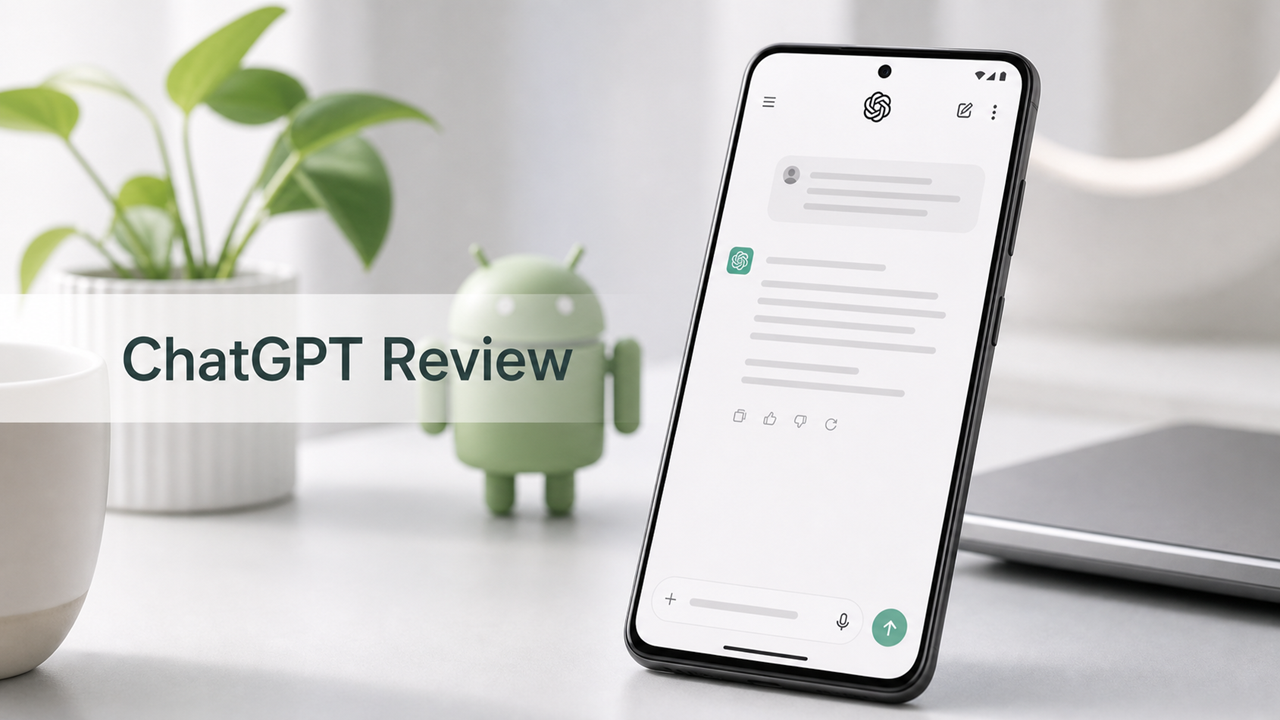

ChatGPT is still the best free AI chatbot you can put on an Android phone. But the gap has narrowed, and the free tier isn't what it was a year ago. The Plus plan has become a tougher sell, and the $200/month Pro tier is genuinely overkill for almost everyone reading this. That's the short version.
In this review, we'll walk through what ChatGPT's free tier actually gives you on Android in 2026, where the paid plans earn their keep and where they don't, how the chat, voice, and image features perform day to day, and how ChatGPT stacks up against Claude, Gemini, and Copilot for the things you actually use a phone-based AI for.
We tested ChatGPT across two weeks on a Pixel 9, a Samsung Galaxy S25, and an older OnePlus for performance comparison. We used it for real work: drafting emails, analyzing PDFs, planning trips, debugging code snippets, generating images for social posts, and the kind of late-night "explain this concept to me like I'm five" questions that phone chatbots get asked most.
ChatGPT Free Tier: What You Actually Get
ChatGPT's free tier runs on GPT-5.5 Instant, which became the default model for all users in May 2026. This isn't a stripped-down baby model. It's the same GPT-5.5 Instant that paid users get, just with usage caps that are, frankly, annoying to pin down.
OpenAI doesn't publish exact free tier limits. The official line is "limited access in 5-hour windows," and those limits shift based on server load, your region, and some internal abuse-prevention math that nobody outside the company has reverse-engineered. In practice, you'll get somewhere between 10 and 30 messages per window before the app silently downgrades you to a mini model. You won't see a counter. You won't get a warning. Responses will just get noticeably simpler, and that's how you'll know.
For casual use, that's fine. Asking a few questions while cooking dinner, drafting a quick email, summarizing an article. You won't hit the wall. But if you're using ChatGPT as a study partner for a three-hour session or working through a complex problem with lots of back-and-forth, you'll hit it. And when you do, it's frustrating because there's no indication of when you'll get full access back.

Despite the caps, the free tier is shockingly capable. You get web search with real-time information, image uploads for analysis (snap a photo of a document, a whiteboard, or a plant and ask what it is), file uploads for PDFs and documents, voice input with the improved dictation model, and access to the GPT Store for custom GPTs. You can generate images through GPT-Image 2, but on the free tier this is rate-limited more aggressively. The image quality itself is excellent, easily beating what most free image generators produce.
What you don't get on the free tier: no access to GPT-5.5 Thinking or Pro modes, no Deep Research, no custom GPT creation, no Codex Remote, and no personal finance features. The model selection picker is locked, so you can't manually choose between Instant and Thinking for harder questions. For most everyday tasks, you won't miss these. For serious work, you will.
What the free tier feels like day to day: I asked ChatGPT to help me plan a weekend trip to Chicago, find restaurants with outdoor seating near Millennium Park, draft an itinerary, and then rewrite the whole thing when I remembered I'd be arriving Saturday afternoon instead of Friday. It handled all of that in maybe 12 exchanges, never hit the cap, and the answers were practical and specific. That's the free tier at its best. Then I tried to use it for a three-hour coding debugging session and got silently downgraded around hour two. That's the free tier at its worst.
ChatGPT Plus and Pro: Is Paying Worth It?
ChatGPT now has four paid tiers. Here's the breakdown.
ChatGPT Go ($8/month)
Go removes ads (in regions where free tier shows them) and gives you higher message limits, but crucially doesn't include access to GPT-5.5 Thinking or Pro modes. You get more messages and fewer interruptions, which is nice, but the $12 jump to Plus gets you so much more that Go feels hard to justify unless $8 is your absolute ceiling.
ChatGPT Plus ($20/month)
This is the plan most people ask about. For $20, you get 160 GPT-5.5 messages every three hours, access to GPT-5.5 Thinking with Standard and Extended reasoning levels, Deep Research for multi-source reports, GPT-Image 2 with higher limits, custom GPT creation, file uploads and analysis, Codex Remote to control a desktop from your phone, and the personal finance feature that connects to your bank accounts.
The Thinking modes are the real upgrade. When you send a harder question (a logic puzzle, a code architecture decision, a complex comparison), you can switch to Thinking Standard or Extended, and the model will show you its reasoning process before answering. It's not just theatrical. The Thinking mode catches errors that Instant would confidently barrel past. For coding, it's the difference between getting working code on the first try and going three rounds of "that's not what I meant."
The 160-messages-per-3-hours limit sounds generous, and for solo use, that's plenty. I never hit it during normal workdays. Where Plus users do get annoyed: the system silently switches to a mini model after you hit the cap, same as free tier, without clear warning. On a $20/month plan, that feels cheap. OpenAI could fix this with a simple counter in the UI but hasn't.
ChatGPT Pro ($200/month)
Pro unlocks GPT-5.5 Pro with Extended reasoning, the highest reasoning levels (what used to be called Thinking Heavy), and effectively unlimited usage. This is for professionals who use ChatGPT as their primary work tool: researchers running multi-hour analysis sessions, developers who treat it as a pair programmer, knowledge workers who need reliable reasoning across very long contexts.
For the Android user reading this review, Pro is almost certainly overkill. The extra reasoning power matters for tasks that you're probably not doing on your phone. If you need it, you'll know.
ChatGPT Team and Enterprise
Team costs $25-$30 per user per month (annual vs monthly) and adds shared workspaces, admin controls, and higher limits. Enterprise is custom-priced with data residency options. Neither is relevant for individual Android users.
The verdict on pricing: Free is genuinely good enough for most people. Plus at $20/month is worth it if you use ChatGPT daily and find yourself frustrated by the free tier caps or need Thinking mode for work. Go at $8/month is the awkward middle child you should probably skip. Pro at $200/month isn't for casual users.
ChatGPT Chat Experience on Android
The Android app itself is clean and fast. The conversation list lives on the left, your active chat fills the center, and everything responds to taps and swipes the way you'd expect. Recent updates added easier chat pinning, a combined pinned section that mixes chats and projects, and one-click sharing without a pop-up window.
The model selector sits at the top of every conversation. Paid users can long-press the send button to switch models without breaking their typing flow, which is a genuinely thoughtful touch for a mobile interface. Free users get a simplified selector that only shows Instant.
What makes the chat experience work on a phone is that ChatGPT has gotten noticeably less verbose. With the GPT-5.5 Instant update in June 2026, OpenAI specifically reduced response length by about 30% compared to previous versions. Answers are tighter, less templated, and better at reading whether you want a one-sentence answer or a detailed breakdown. That matters hugely on a phone screen where scrolling through AI-generated filler is physically annoying.
The personality has also improved. GPT-5.5 Instant feels warmer without being fake-friendly. It uses fewer emojis than before, which is a relief. It remembers context across longer conversations without losing the thread. And the memory feature, which learns preferences from your chats over time, actually works: after a week of asking it to keep responses brief and skip the "let me know if you need anything else" sign-offs, it genuinely adapted.
What's still missing: there's no Android home screen widget for quick access, no notification shade quick tile, and no way to set ChatGPT as your default assistant (that's a system-level restriction Google maintains). You have to open the app every time. For quick one-off questions, Gemini's power-button summon is faster.

ChatGPT Multimodal Features: Voice, Images, and Files
Voice Mode
ChatGPT's voice input has gotten significantly better. The new dictation model rolling out in late June 2026 cut word error rates by at least 10% across major languages, and you can feel the difference. It handles accented English better, works in noisy environments without tripping over background chatter, and transcribes mixed-language input (switching between English and Spanish mid-sentence) without getting confused.
The standard voice mode, where you speak and ChatGPT types back, is fast and natural. What Android users don't get is the full Advanced Voice Mode experience: the emotional tone detection, the interruptible conversational flow, the ability to have ChatGPT "listen" to your tone and adapt. That's still rolling out gradually and isn't consistently available on the Android app in all regions.
For practical use: dictating a long email or text message is accurate enough that you won't need to fix more than a word or two. Asking questions by voice while cooking or driving works well. Having a back-and-forth conversation about a complex topic is fine but not mind-blowing.
Image Analysis and Generation
You can upload photos from your gallery or snap new ones directly in the app. Image analysis handles documents (extracting text, summarizing contracts), real-world objects (identifying plants, products, landmarks), and screenshots (explaining error messages, translating UI text). Accuracy is high for clear images and drops predictably on blurry or poorly lit shots.
GPT-Image 2, OpenAI's latest image generator, is integrated directly into chat. You describe what you want and it generates it right in the conversation. The quality is excellent: realistic portraits, stylized illustrations, product mockups, and text-in-image rendering that actually spells words correctly most of the time. Free users get limited generations before hitting rate limits. Plus users get significantly more.
The killer use case for image generation on Android: you're planning a social post and want a custom graphic. You describe it in the chat, get the image, tweak it with follow-up prompts, and download it directly to your phone. No desktop needed. The workflow is smoother than any standalone image app I've used.
File Uploads
PDFs, Word documents, Excel sheets, and text files all upload and process quickly. ChatGPT summarizes, extracts data, answers questions about the content, and can reformat or rewrite documents. For work-related use (reviewing a contract on the train, pulling data from a spreadsheet at a coffee shop), this is genuinely useful. The 500MB storage that comes with free accounts is enough for casual use.
ChatGPT vs Claude vs Gemini on Android
Here's where things get interesting. ChatGPT isn't alone anymore, and the alternatives are genuinely good.
ChatGPT vs Claude
Claude is the better writer. If you're drafting anything longer than a paragraph (an essay, a blog post, a report), Claude's prose is cleaner and more natural. ChatGPT has closed the gap with GPT-5.5, but Claude still reads more like a human wrote it. Claude also has the 1M context window, which means you can upload massive documents and have it reference everything within a single conversation. ChatGPT's context window is shorter, and it tends to lose the thread on very long documents.

ChatGPT wins on versatility. Image generation, voice mode, web search that actually works well, the GPT Store with thousands of custom agents, Codex Remote for desktop control. Claude does fewer things but often does them better. If your main use case is writing and text analysis, Claude is worth testing. If you want one app that does everything, ChatGPT covers more ground.
ChatGPT vs Gemini
Gemini's advantage is Android integration. It's the phone itself, not just an app. Long-pressing the power button to summon Gemini, having it read your Gmail and Calendar, and the ability to control smart home devices directly from chat are things ChatGPT physically can't do because it doesn't have system-level access.
ChatGPT's advantage is model quality and feature depth. GPT-5.5 Instant is a better general-purpose model than what Gemini's free tier offers. ChatGPT's image generation is superior. The custom GPT library gives ChatGPT an enormous range of specialized capabilities that Gemini can't match. And ChatGPT's voice dictation is more accurate across languages.
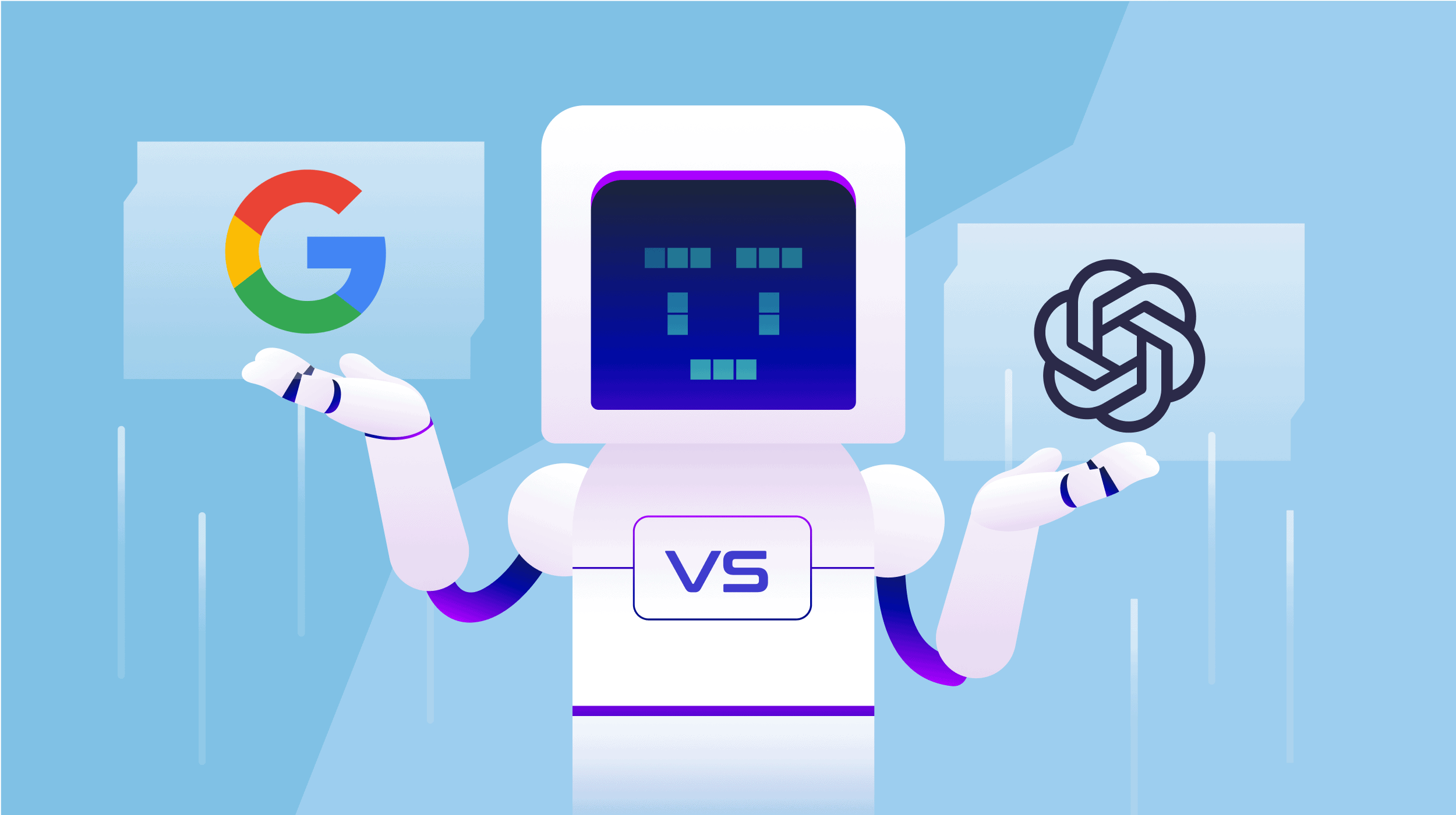
For Pixel users who live in Google's apps, Gemini is often the better daily driver. For everyone else, ChatGPT still offers more.
ChatGPT vs Copilot
Copilot gives you GPT-4o for free. That's a genuine value proposition, especially for users who want solid AI without paying. But Copilot's chat experience feels more transactional: it's great for factual questions, comparisons, and summaries, and less natural for creative brainstorming or personal conversation. ChatGPT's GPT-5.5 Instant is faster and the conversational flow feels more human. Copilot's image generation with DALL-E 3 is competitive but has tighter free tier limits at 15 boosted generations per day.

ChatGPT Review Verdict: Should You Download It?
Yes. If you're going to keep exactly one AI chatbot on your Android phone, it should still be ChatGPT. The free tier is capable enough for most people. The Plus plan delivers real value if you hit the caps often or need Thinking mode for work. The Android app is polished, frequently updated, and does more different things well than any single competitor.
But "best" doesn't mean "right for you specifically." Claude is stronger for long-form writing. Gemini is more convenient if you're on a Pixel and live in Google's apps. Copilot gives you GPT-4o for free. Perplexity is better for research. DeepSeek is better for exactly zero dollars.
What makes ChatGPT the default recommendation is that it has no fatal weaknesses. It's good at writing, good at analysis, good at image generation, good at voice input, good at web search. No other app hits above average in every category the way ChatGPT does. That breadth is why it's still the one most people should start with.
ChatGPT Pros and Cons
Pros:
- GPT-5.5 Instant is the best free model available
- Image generation with GPT-Image 2 is excellent
- Voice dictation accuracy improved significantly in 2026
- Massive custom GPT library for specialized tasks
- File analysis handles PDFs, spreadsheets, and images well
- Best free AI chatbot for Android overall
Cons:
- Free tier limits are vague with no usage counter
- Plus plan silently downgrades model after hitting caps
- Go tier at $8/month is poor value between Free and Plus
- No Android home screen widget or quick settings tile
- Voice conversation mode still rolling out inconsistently
- Long conversations can lose context faster than Claude
You can download ChatGPT on APKPure. It's the easiest way to get the latest APK on Android, and new versions drop the same day as official channels. Try the free tier for a week before deciding on Plus. You'll know pretty quickly if you're the Go user, the Plus user, or if the free tier has you covered.
 NEWS
NEWS REVIEWS
 HOWTO
HOWTO










