


What Is Midjourney V8.2 Edit? AI Image Editing Explained

2026-08-28
Midjourney's first V8.2 edit model lets you modify images with text instructions, blend four references, and reshape canvases.
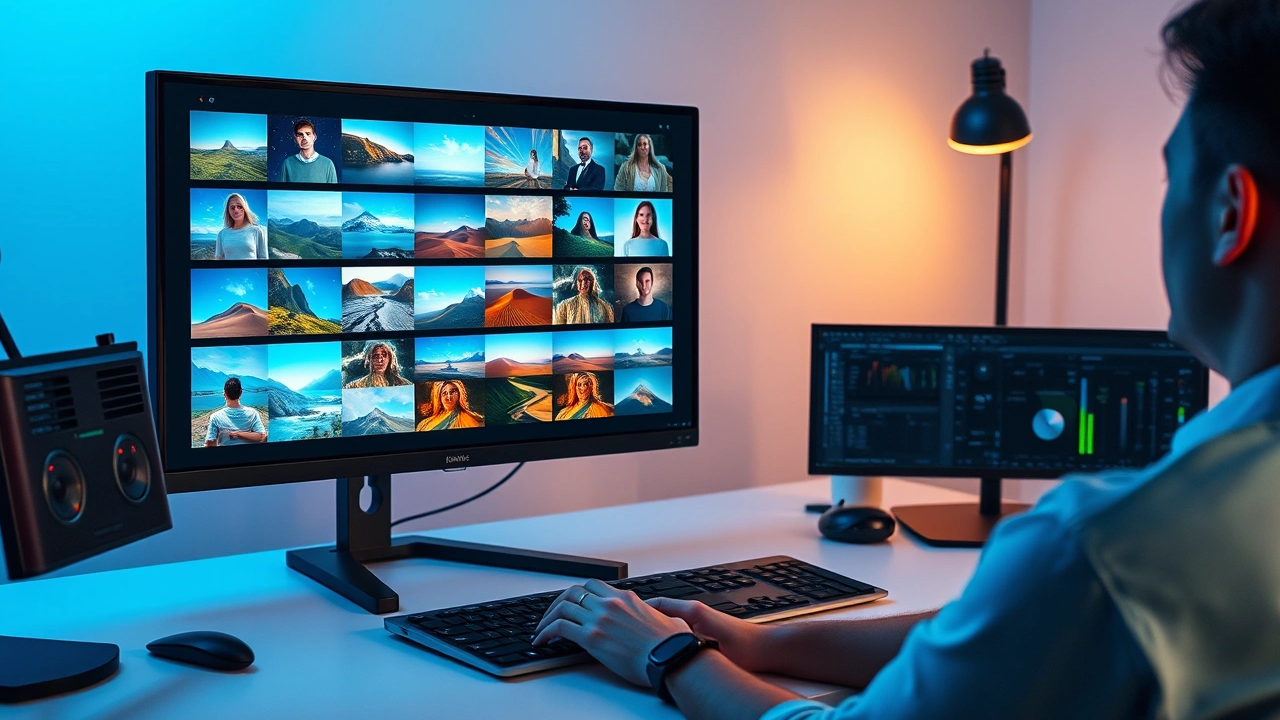
Midjourney V8.2 Edit is the first image editing model from Midjourney's V8.2 series, opened for community testing on August 27, 2026. It lets you modify existing images using natural language instructions, blend up to four reference images into a single generation, and reshape canvases through inpainting and outpainting. If you've used Midjourney for image creation but hit a wall when trying to tweak results, this model closes that gap.
How Midjourney V8.2 Edit Works
The edit model sits on top of Midjourney's V8.2 generation engine but adds a directional editing layer. Instead of starting from a text prompt alone, you feed it an existing image (or several) and tell it what to change. The Midjourney image editor reads the visual context, applies your instruction, and outputs a modified version that keeps the original style intact.
What makes this different from older Midjourney iterations is the multi-reference system. You can attach up to four images at once, and the model uses all of them as visual context. That's a shift from the old omni-reference approach, which handled a single reference image at a time. For anyone building mood boards or style guides, this means fewer round trips through the generator.
Instruction Editing in Midjourney
Instruction editing is the simplest way to use the V8.2 edit model. You upload an image, type what you want changed, and the model handles the rest. The key is being specific enough that the model understands the scope of the edit without overdoing it.
Say you have a portrait with a neutral background and want to swap it for a sunset scene. You'd upload the portrait, type something like "change the background to a warm sunset over the ocean," and the model preserves the subject while replacing the surroundings. It's not perfect for every case. Complex edits with multiple conflicting instructions can produce muddy results, which is why Midjourney is asking the community to report edge cases through the sad face emoji in the lightbox or by sharing job IDs in the Discord feedback channels.
Image-to-Image Generation With Multiple References
The multi-reference feature is where Midjourney V8.2 Edit gets interesting for anyone doing AI photo editing work. You can drag up to four images into the prompt bar under the "attach to prompt" option, and the model pulls visual elements from each one.
Think of it as a remix tool. You could combine the color palette from one photo, the composition of another, the lighting style from a third, and a specific character pose from a fourth. The model synthesizes all four references into a single output. This replaces the old omni-reference system that only accepted one reference image at a time, which meant more manual compositing work outside Midjourney.
For practical use, this cuts down the back-and-forth of generating an image, not liking a specific element, and starting over. You can now guide the model with multiple visual anchors instead of relying on text descriptions alone.
Inpainting and Outpainting on Midjourney
Inpainting lets you select a specific area of an image and regenerate just that region. Outpainting extends the canvas beyond its original borders. Both are now supported natively in the V8.2 edit model.
For inpainting, you click the 'edit' option in the lightbox, select the area you want to change, and type your instruction. The model keeps everything outside the selection untouched and regenerates the selected region to match your prompt. This is useful for removing unwanted objects, fixing artifacts, or swapping a specific element without redoing the whole image.
Outpainting works in reverse. You expand the canvas and the model generates new content to fill the extended space. If you have a square image that would look better in a wide format, outpainting extends the scene to the left and right while maintaining the visual style. The model analyzes the existing content and continues the scene logically.
Personalization, Moodboards, and Srefs
The V8.2 edit model also supports Midjourney's personalization features. If you've trained a personalization profile, the edit model applies your aesthetic preferences to modified images. Moodboards and srefs (style references) work too, though Midjourney notes they may need extra prompt direction in this version to get the best results.
This matters if you've built a consistent visual identity across your Midjourney work. Instead of losing that style consistency when editing, the model carries your personalization forward. The caveat about "extra prompt direction" means you might need to be more explicit about style elements than you would with the standard generation model. Midjourney is still calibrating how personalization interacts with the editing layer, so expect some rough edges during this testing phase.
Where to Access Midjourney V8.2 Edit
The edit model is available through four entry points. On the web, you can drag images into the prompt bar under "attach to prompt" on midjourney.com. You can also click the 'edit' button in the lower right of the lightbox after generating an image. The 'edit' tab on the left side of the interface lets you upload an image directly. On Discord, the --edit command followed by an image URL triggers the same model.
Midjourney has updated both the main website and alpha.midjourney.com to support the edit model. The alpha site is where interface experiments happen, so it'll change more rapidly than the main site. If you prefer a more stable experience, stick with midjourney.com. If you want to see where the interface is heading, alpha.midjourney.com is worth checking.
The model is in community testing right now. Midjourney explicitly asks users to report problems through the sad face emoji in the lightbox or by sharing job IDs in the #ideas-and-features Discord channel. The Discord feedback channel lets you see what others are making and post your own results.
Limitations and What to Watch For
This is a testing release, so edge cases are expected. Complex multi-reference blends can produce inconsistent results, especially when the reference images have very different art styles. Personalization and moodboards may need more explicit prompts than usual. The alpha interface will change frequently, which could break workflows you build around specific UI paths.
Midjourney has signaled that fast-follow updates are coming. The current model is the starting point, not the final version. If you hit a wall with a specific editing task, it's worth waiting for the next update rather than forcing a workaround. The community feedback phase exists specifically to find these walls and report them.
For Android users, Midjourney remains a web-based tool accessed through a browser. There's no native Android app, which means no offline workflow. The Discord interface works through the Discord app on Android, so you can trigger edits from your phone using the --edit command, but the full web interface with its drag-and-drop editing is best experienced on a larger screen.
Conclusion
Midjourney V8.2 Edit brings directed image editing to a platform that was previously generation-only. The ability to use four reference images, target specific regions with inpainting, and extend canvases with outpainting fills the biggest gap in Midjourney's workflow. It's still in testing, and the model will improve with community feedback. If you already use Midjourney for generative image editing, the V8.2 edit model is worth exploring through the web interface or Discord. The multi-reference system alone changes how you approach creative iteration, and the personalization support means your style preferences carry over into edits.
Looking for finer control? Snapseed's pro-level color adjustment and selective editing tools make it the perfect companion for touching up your AI-generated images.

 NEWS
NEWS REVIEWS
 HOWTO
HOWTO










