


What Is DeepSeek? AI Assistant Explained

2026-08-04
What is DeepSeek? Learn how this free AI assistant works, what it can do, and why it's one of the most talked-about AI chatbots you can install right now.
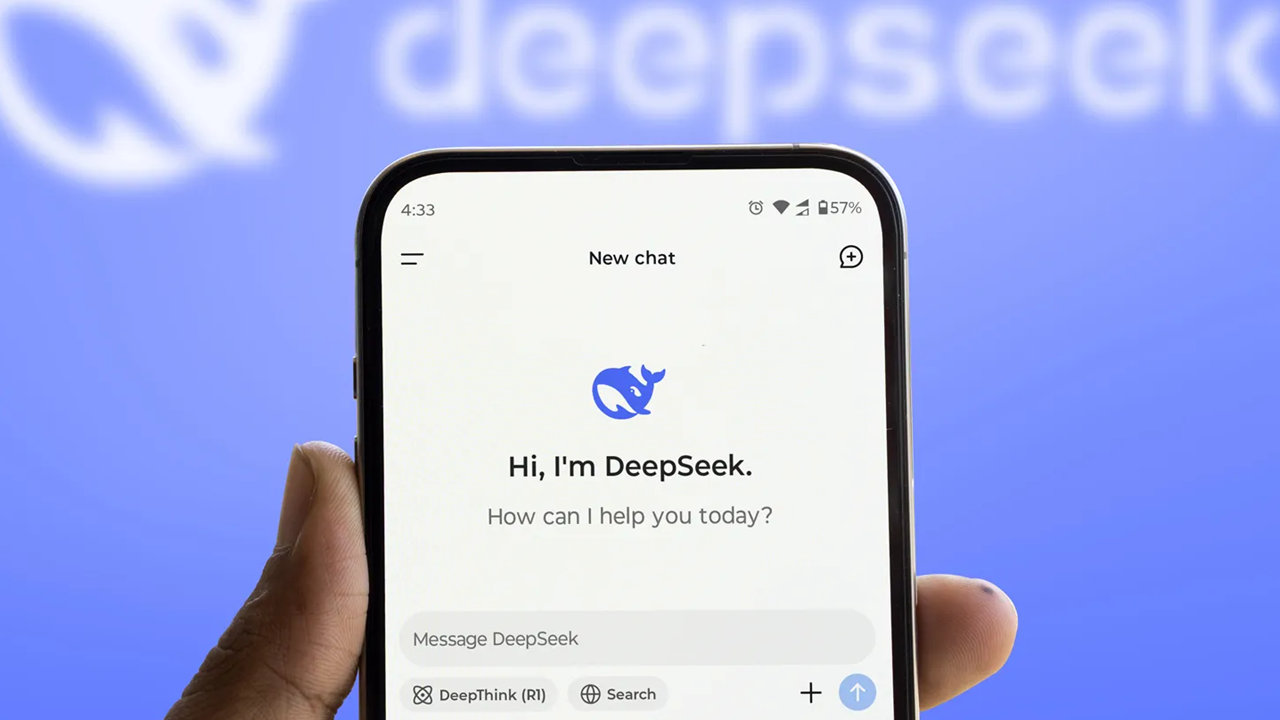
DeepSeek is a free AI chatbot from China that took the tech world by surprise in early 2025. Built by a Hangzhou-based company with ties to a quantitative hedge fund, it's an AI assistant you can chat with, upload files to, and ask to reason through complex problems. All without paying a cent. If you've heard the name but don't know what sets it apart from ChatGPT, Claude, or Gemini, here's the full picture.
What Is DeepSeek?
DeepSeek is a conversational AI assistant developed by DeepSeek AI, a company founded in 2023 in Hangzhou, China. The founder, Liang Wenfeng, came from High-Flyer, a quantitative hedge fund that had already built substantial computing infrastructure for financial modeling. That infrastructure gave DeepSeek a head start.
The assistant runs on large language models, the same type of technology behind ChatGPT and Claude. You type a question or upload a file, and it responds with text. It can write essays, debug code, explain concepts, translate between languages, summarize documents, and handle most tasks you'd expect from a modern AI chatbot.
What made this AI chatbot stand out when it launched wasn't some flashy new capability. It was the price. The company trained its models for a fraction of what OpenAI and Google spent, then gave the chatbot away for free.
How DeepSeek Works
DeepSeek uses an architecture called Mixture of Experts (MoE). Instead of firing up the entire model for every question, MoE activates only the parts relevant to your query. Think of it like a company where each department handles its specialty rather than having every employee work on every project. That's part of why it's so efficient.
The assistant runs on two main models:
- DeepSeek-V3 (standard mode): Fast, direct responses for everyday questions. You ask, it answers. Good for writing, quick lookups, translation, and general chat.
- DeepSeek-R1 / DeepThink (reasoning mode): This is where DeepSeek does something different. When you hit the "DeepThink" button, the model shows you its step-by-step reasoning before giving the final answer. You can watch it work through a math problem or logic puzzle in real time and see exactly how it arrived at its conclusion. It's slower, but the answers tend to be more accurate for complex tasks.
Both models run inside the same app and website. You switch between them with a toggle.
As of mid-2026, the latest version is DeepSeek V4, which comes in two tiers: V4-Pro (1.6 trillion parameters with 49 billion active) and V4-Flash (284 billion parameters with 13 billion active). Both support a 1-million-token context window. That's enough to process entire books in one go. The models are open-source under the MIT license, so anyone can download them and run them on their own hardware.
What Can DeepSeek Do?
The feature list isn't wildly different from other AI assistants, but the fact that nearly everything is free changes how you use it:
Text generation and editing. Write emails, blog posts, reports, stories. Give it a rough outline and it fleshes things out. Paste in something you've written and ask it to tighten the prose or change the tone.
File upload and analysis. You can upload PDFs, Word documents, Excel spreadsheets, PowerPoint files, and text files. DeepSeek reads them and answers questions about the content. Upload a research paper and ask for a summary. Drop in a spreadsheet and ask it to spot trends.
Code help. It supports many programming languages. Ask it to write a function, explain what a block of code does, or debug something that isn't working. Community benchmarks regularly place its coding ability near the top among open-source models.
Web search. You can enable internet search during a conversation. DeepSeek pulls in current information rather than relying solely on its training data. Useful for news, recent events, or checking facts.
Voice input. The mobile app supports voice input, so you can dictate questions instead of typing them. Handy when you're on the go.
Image understanding (V4). The latest version can analyze images you upload. Show it a photo and ask what's in it, or upload a screenshot of an error message and ask what went wrong.
Translation. It handles many languages well. English, Chinese, Japanese, Spanish, French, Portuguese, Arabic, and many more. Translation quality is solid for everyday use.
Is DeepSeek Really Free?
Yes. The consumer app, both web and mobile, is completely free. No subscription tiers, no usage caps that force you to pay after a certain number of messages. You don't even need a credit card to sign up.
The company makes money through its API, which developers pay to use. Businesses that want to integrate DeepSeek into their own products pay per token. The API pricing is consistently among the cheapest in the industry. DeepSeek V4 API costs run around $0.28 per million input tokens and $1.10 per million output tokens for the Flash model, far below what OpenAI and Anthropic charge for comparable performance.
There's no guarantee this will last forever. Free AI tools have a habit of introducing paid tiers once they've built a user base. But for now, the free access is real and full-featured.
DeepSeek vs Other AI Chatbots
How does it stack up against ChatGPT, Claude, and Gemini? Here's the short version:
- vs ChatGPT: DeepSeek's free tier is far more generous. ChatGPT's free users get limited access to the best models and face usage caps. The DeepSeek app gives you everything for free, and that includes the reasoning model. ChatGPT still has an edge on multimodal features and its broader tool set (plugins, DALL-E, Codex).
- vs Claude: Claude is strong at refined writing and long-form analysis. Its tone tends to feel more natural and less robotic. DeepSeek's advantage is the reasoning transparency. Watching it think through a problem in DeepThink mode is something Claude doesn't offer at the free level.
- vs Gemini: Google's AI is deeply integrated into Google's product suite. Gmail, Docs, Search. If you live in that world, Gemini's convenience is hard to beat. DeepSeek's differentiator is raw reasoning power and cost. The 1-million-token context window on V4 matches what Gemini offers, but DeepSeek is free.
Privacy and Data Concerns
This is the part you should read carefully. DeepSeek is a Chinese company, and its privacy policy allows it to collect your text inputs, chat history, and device information. The data can be used for training and improving its models.
If you're asking it for cooking recipes or help with algebra homework, this probably doesn't matter much to you. If you're pasting in sensitive business documents, client data, or personal information you wouldn't want stored on a server in China, think twice.
The app has faced scrutiny from several governments. South Korea, Italy, and a few other countries have investigated or temporarily restricted the DeepSeek app over data privacy concerns. The company has stated it follows applicable data protection laws, but the regulatory environment keeps shifting.
The open-source nature of the models offers a partial workaround. If you want to use DeepSeek's AI capabilities without sending data to DeepSeek's servers, you can download the model weights and run them locally. More on that below.
How to Install DeepSeek
You've got a few options:
Web browser: Go to chat.deepseek.com. Sign up with an email address or phone number. Start chatting immediately.
Android app: Download the DeepSeek app from APKPure or Google Play. The app includes voice input and file upload, same features as the web version.
iOS app: Available on the App Store. Same capabilities as Android.
Run locally: If you have the hardware for it, you can download the V4 model weights and run DeepSeek on your own machine. The Flash version (284B parameters) can be quantized to fit on consumer GPUs with enough VRAM. The full unquantized Pro model needs serious hardware, like multiple high-end cards.

DeepSeek is an AI assistant app that offers free access to its latest reasoning model.
DeepSeek R1 and DeepThink
The DeepThink feature deserves its own explanation because it's what loyal users point to as DeepSeek's standout feature.
Here's how it works. Normally, when you ask an AI a question, it generates a response directly. The text appears as the model produces it. With DeepThink, there's an intermediate step. The model first writes out its reasoning process in a separate thinking panel. You see the chain of thought as it works: "The user is asking about X. To answer this, I need to consider Y and Z. First, let me check..." After the reasoning is done, it produces the final answer.
For math problems, coding logic, and multi-step analysis, seeing the reasoning chain is genuinely useful. It helps you spot where the model might have gone wrong and builds confidence when the logic checks out. It also makes the model more likely to catch its own mistakes. Having to verbalize each step forces a level of consistency that direct generation sometimes skips.
The tradeoff is speed. DeepThink responses take 10 to 30 seconds longer than standard mode. For quick questions ("What's the capital of Brazil?"), it's overkill. For anything where the reasoning matters, it's worth the wait.
What's New in 2026
DeepSeek V4, released in April 2026 as a preview and fully launched in July 2026, represents a major leap from the V3 generation. Key improvements:
- 1-million-token context window as standard across both Pro and Flash tiers
- Agent capabilities that rival closed-source models like Claude and GPT for tool use and multi-step tasks
- Image understanding added as a native feature
- Peak/off-peak pricing for API users, a first in the industry
- Domestic chip support, with full compatibility for Huawei's Ascend processors
The July 2026 formal release brought V4-Flash to general availability with improved agent performance and lower API latency. The company has said a V5 is in development, with the Engram memory architecture expected to play a central role.
Should You Use DeepSeek?
If you want a capable AI assistant and don't want to pay for ChatGPT Plus or Claude Pro, DeepSeek is the strongest free option available. The combination of a solid fast model, a transparent reasoning mode, file upload, and web search, all at zero cost, is unmatched right now.
If privacy is your top concern and you regularly handle sensitive information, the data collection policy is something to weigh seriously. Running the open-source models locally sidesteps that issue but requires technical know-how and decent hardware.
For most everyday use, whether it's writing help, research, coding assistance, or learning new topics, DeepSeek delivers. It's not ahead of the competition in every category, but it doesn't need to be. Being good enough across the board and completely free is already a strong pitch on its own.
 NEWS
NEWS REVIEWS
 HOWTO
HOWTO










