


What Is Gemini Spark for Google Photos? A Practical Android User Guide

2026-09-15
Gemini Spark can now search, edit, organize, and share your Google Photos library with simple text prompts. Here's what it does and who can use it.
If your phone has 10,000 photos you never look at, Gemini's new model Spark wants to fix that. Google's personal AI agent now manages your Google Photos library, and it's the most useful thing Spark has done since launching at I/O 2026.

Google Gemini is a productivity and creativity app that supports live conversations and multimodal creation.
What Is Gemini Spark?
Gemini Spark is Google's 24/7 personal AI agent. It runs on Google Cloud virtual machines, which means it keeps working even when your phone screen is off. Google first showed it at I/O 2026 as an assistant that could handle email, manage documents, and track your calendar without you babysitting each step.
- Try Gemini Spark on the web: https://gemini.google.com/app
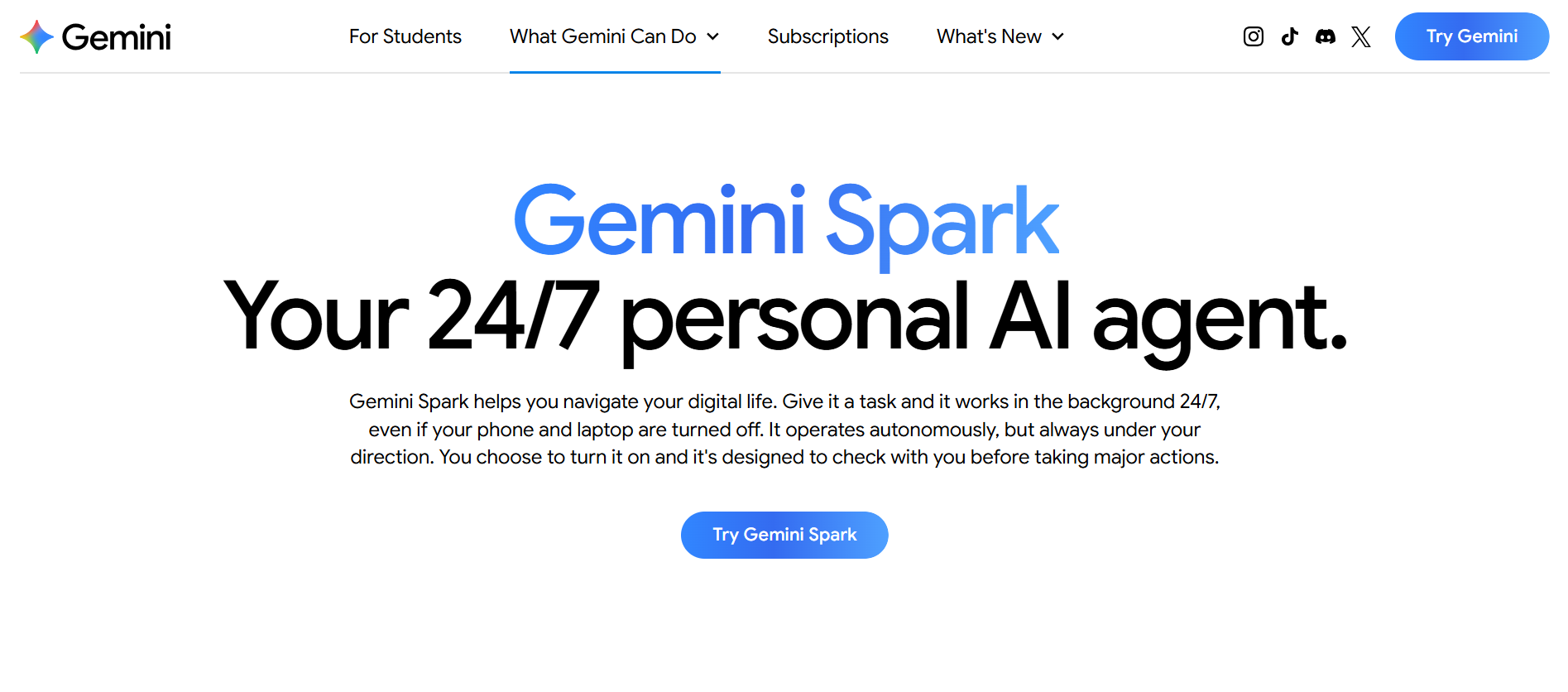
The idea is simple. You give Spark a task in plain English, and it figures out how to complete it across multiple Google apps. No multi-step tutorials. No copying and pasting between apps. You describe what you want, and Spark does the legwork.
Now Spark can talk to Google Photos. That's a big deal if you've ever tried to find one specific photo from three years ago and gave up halfway through scrolling.
How Gemini Spark Connects to Google Photos AI
The Google Photos integration lets Spark run what Google calls "complex, multi-stage workflows" on your photo library. In plain terms, you can ask Spark to find photos, edit them, organize them into albums, and share those albums with people, all from a single prompt.
One prompt. Four actions. Spark handles the rest.
You can also chain Spark's other abilities into photo tasks. If you photograph a concert flyer, you can ask Spark to read the date, check your Google Calendar for conflicts, and tell you which night you're free. That's not a demo fantasy. It's an actual example Google posted when announcing the feature.
Searching and Curating Your Photo Library
Spark searches your Google Photos by subject, location, date, or event. You can ask for "photos of the dog from last summer" or "videos from the block party." Spark will also pick what it considers the best shots and filter out duplicates.
This matters more than it sounds. Shimrit Ben-Yair, who runs Google Photos, posted that she has 143,206 photos and videos in her own library. She said she's always wanted a strong enough agent to help her get value out of that archive. When the person in charge of Google Photos admits she can't keep up with her own photos, you know the problem is real.
Most people don't need 143,000 photos curated. They need five good ones pulled out of a trip, or the one screenshot they took of a parking receipt. Spark handles both cases, and Google Photos AI does the heavy lifting on search and ranking.
Editing Photos With Gemini AI
Spark can edit your photos directly. The options include quick quality improvements, brightness and color fixes, and generating collages or stylized versions of existing images. Google calls this the Gemini AI photo editing pipeline.
The key detail: every edit creates a new copy. Your originals stay untouched. That's not a flashy feature, but it's the difference between an AI assistant and an AI that ruins your only good photo from a birthday party.
Spark does the editing, creates the album, and saves the results. You just approve.
Creating Albums and Sharing With Contacts
Spark creates new albums, shared or private, and saves curated photos into them. Once an album is ready, Spark can send links through Gmail, Google Docs, or Messages.
Safety is built in here. New albums are private by default. Spark asks for your permission before sharing anything or sending emails on your behalf. You won't accidentally blast your entire contact list with vacation photos because Spark decided to be helpful.
The sharing flow connects to Google's Connected Apps system. Spark doesn't need a separate sharing mechanism. It uses the same sharing tools you'd use manually, just faster. Google Gemini Spark handles the coordination across Gmail, Docs, and Messages without you switching apps.
Scheduling Automated Photo Tasks
This is where Gemini Spark Google Photos gets interesting. You can set up recurring tasks that run automatically.
You set it once. Spark runs it every weekend. You come back to a fresh food collage album without lifting a finger.
Other scheduling ideas include monthly highlight albums that pick your best shots from the previous 30 days, or automatic sorting of receipt photos for expense tracking. If your photos pile up faster than you can sort them, Google Photos automation with scheduled tasks is the feature that closes the gap.
Extracting Text From Images With Gemini Spark
Spark can find images containing text, extract that text, and then do something with it. The extracted text can be summarized or reformatted in a Google Document, or Spark can use the information to complete a task.
The concert flyer example again: photograph a flyer for a summer concert series, ask Spark to cross-reference the dates with your calendar, and it'll tell you which night works. That's optical character recognition plus scheduling plus calendar integration, all from one photo and one prompt.
For students, this means photographing a syllabus and having Spark pull assignment dates into a doc. For travelers, it means photographing a train schedule and getting a summary of relevant departures. The text extraction works on any image in your Google Photos library, which makes ai photo management feel less like a buzzword and more like a real tool.
Privacy and Safety in Google Photos AI
Google baked three safety measures into the Photos integration:
- Edits create copies. Originals are never modified.
- New albums are private by default. You opt in to sharing.
- Spark asks permission before sharing albums or sending emails.
These aren't afterthoughts. Giving an AI agent access to your photo library is a trust question, and Google's design choices here suggest they know that. You can review what Spark has done and approve actions before anything leaves your account.
Who Can Access Google Gemini Spark?
The Google Photos integration is rolling out over the coming weeks to Google AI Pro and Ultra subscribers in the US. You need an active subscription to either tier. The interface is English only for now.
Google hasn't announced timing for other regions or languages. If you're outside the US or on a free Google account, you'll have to wait.
Google Gemini is a productivity and creativity app that supports live conversations and multimodal creation.
- How to Download ZEE5: Movies, TV Shows, Series APK Latest Version 39.62.2 for Android 2026
- How to Download ONE PIECE TREASURE CRUISE-RPG APK Latest Version 16.1.6 for Android 2026
- How to Download The Weather Channel - Radar APK Latest Version 16.24.1 for Android 2026
The Takeaway
Gemini Spark Google Photos is the kind of feature that makes a photo library actually useful instead of just a dumping ground. If you've got thousands of photos you never revisit, Spark can pull the good ones, edit them, and put them where you'll see them, without you spending an hour scrolling.
The catch is availability. It's US-only, subscription-gated, and English-only right now. But for Android users who fit that description, it's worth trying. Download Gemini app from APKPure to get started, and let Spark do the boring work your photo library has been waiting for.
 NEWS
NEWS REVIEWS
 HOWTO
HOWTO










