What Is Stable Diffusion AI? A Practical Android User Guide

2026-08-26
Stable Diffusion AI lets you generate images from text on Android. Here's how to set it up, write effective prompts, and use the SDAI app to create AI art.
Stable Diffusion just got a fresh vote of confidence. On August 25, 2026, TechCrunch reported that Stability AI, the company behind the open-source image generation model, raised $76 million in Series B funding. That brings its total raised to $232 million, with backers including Universal Music Group, Sony Music Group, Warner Music Group, and Electronic Arts. The money is earmarked for expanding the company's creative production suite, which covers AI tools for music, video, and image generation. If you've been curious about running Stable Diffusion on your phone, there's never been a better time to understand how it works and what tools are available for Android users.
What Stable Diffusion Actually Does on Android
Stable Diffusion is a deep learning model that generates images from text descriptions. It's the most prominent text-to-image AI system available as open source, which means developers can build custom interfaces and mobile clients around it without paying licensing fees. You type a prompt, the model processes it through a diffusion process (gradually turning random noise into a coherent image), and you get a picture back. On Android, this used to require a powerful desktop GPU. Not anymore. Apps like SDAI, the Stable Diffusion AI client for Android, connect to a server running the model and let you generate images directly from your phone. The phone acts as a remote control. Your server does the heavy lifting.
The model handles a range of tasks. Text-to-image is the headline feature, but it also supports image-to-image generation (modifying an existing picture), inpainting (replacing parts of an image), and upscaling. You describe what you want in plain language, pick your settings, and the server returns a finished image in seconds.
How the SDAI App Connects to Stable Diffusion
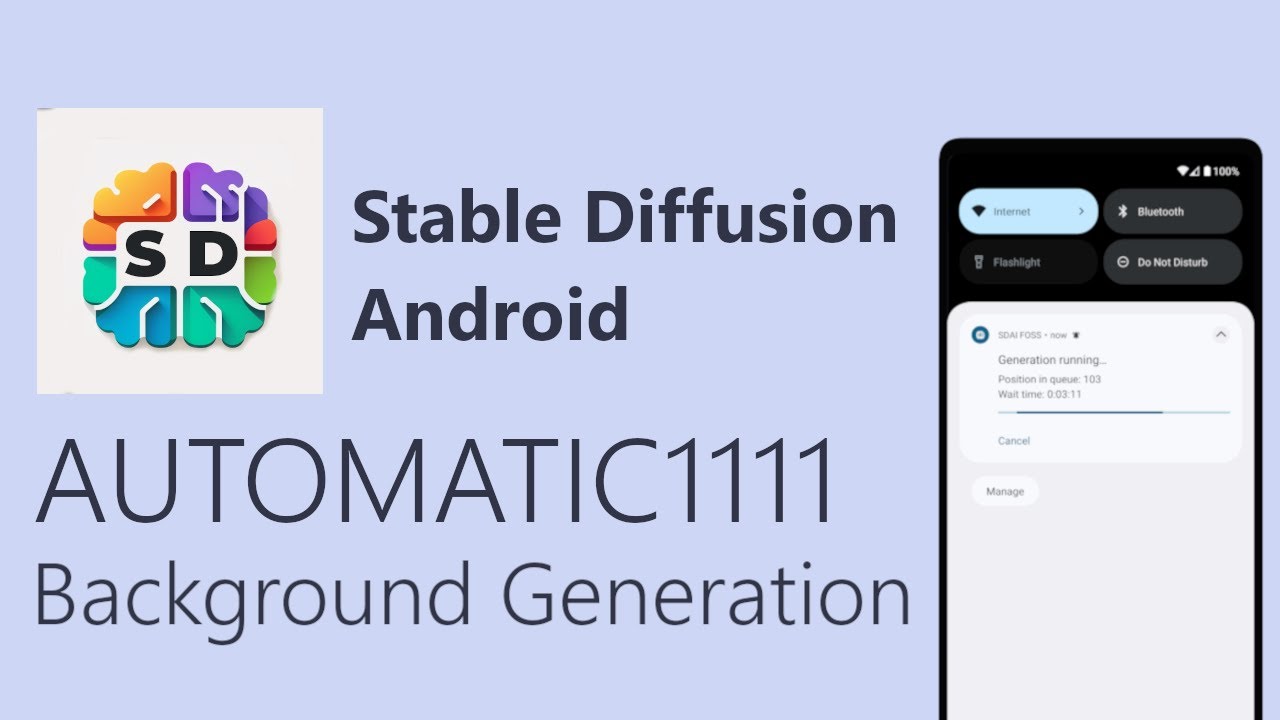
The Stable Diffusion AI (SDAI) app works differently from cloud-based AI art generators. Instead of sending your prompt to a remote API run by a company, SDAI connects to your own AUTOMATIC1111 WebUI server. AUTOMATIC1111 is the most popular open-source interface for running Stable Diffusion locally. If you've already set up Stable Diffusion on your PC, SDAAI lets you control it from your phone over your local network or a remote connection.
Here's the setup in plain terms. You install Stable Diffusion on a computer with a decent GPU. You launch the AUTOMATIC1111 WebUI with API access enabled. Then you point the SDAI app at that server's address. Once connected, you can type prompts, adjust parameters like sampling steps and CFG scale, and generate images without sitting at your computer. The app handles the interface. Your server handles the computation.
This architecture matters because it gives you full control. No subscription fees, no rate limits, no content filters imposed by a third party. You own the pipeline end to end.

Open-source AI image generator with provider freedom and gallery.
Setting Up Stable Diffusion Mobile for the First Time
Getting stable diffusion mobile working on your phone takes a bit of preparation. Here's how to set up SDAI on Android:
- Download SDAI app on your Android device.
- An AUTOMATIC1111 server running on a computer you control.
- After installation, open the SDAI app and enter your server's IP address and port. The app will test the connection and show you available models. From there, you're ready to start generating.
The server side requires a GPU with at least 4GB of VRAM. 8GB or more gives you noticeably better results and faster generation times.
On the server side, you'll need Python installed along with the Stable Diffusion model files. The AUTOMATIC1111 WebUI is the standard interface, and it includes an API mode that the SDAI app talks to. Launch the server with the --api and --listen flags so your phone can reach it over the network. If you want to generate images outside your home Wi-Fi, you can use a VPN or a service like Tailscale to connect back to your server securely.
Text to Image Android: Writing Effective Prompts
The heart of AI image generation is the prompt. What you type determines what you get. Stable Diffusion responds to descriptive, specific language. "A cat sitting on a windowsill" works. "A fluffy orange tabby cat sitting on a white windowsill, golden hour sunlight streaming through, photorealistic, 50mm lens, shallow depth of field" works much better.
Here are some practical tips for getting better results with your AI art generator:
- Be specific about style. Mention "oil painting," "anime," "3D render," or "watercolor" to control the look.
- Describe lighting and atmosphere. "Cinematic lighting," "foggy morning," "neon glow" all push the model toward specific moods.
- Use negative prompts. Tell the model what you don't want. "Blurry, low quality, distorted hands, extra fingers" helps avoid common artifacts.
- Adjust sampling steps. More steps generally mean more detail, but diminishing returns kick in around 30 to 50 steps.
- Experiment with CFG scale. This controls how closely the model follows your prompt. Lower values give it more creative freedom. Higher values make it more literal. The sweet spot is usually between 5 and 12.
The SDAI app exposes all these parameters in its interface, so you can fine-tune your generations without touching any code.
Practical Use Cases for AI Image Generator Android
People use Stable Diffusion on their phones for a surprising range of creative projects. Here are three scenarios where having mobile access to the model makes a real difference.
- Concept art on the go. If you're a game designer or illustrator, you know inspiration doesn't wait for you to get back to your desk. With SDAI connected to your server, you can sketch out ideas from your phone during a commute or a coffee break. Type a prompt, check the results, iterate. By the time you're back at your computer, you've got a direction to work in.
- Social media content creation. Content creators need a steady stream of visuals. Instead of scrolling through stock photo sites, you can generate custom images that match your brand's aesthetic. A travel blogger could produce illustrations of destinations. A tech reviewer could create stylized product mockups. The text to image android workflow turns your phone into a portable art studio.
- Personal projects and gifts. Birthday cards with custom artwork. Wallpapers that nobody else has. Character portraits for tabletop RPG campaigns. These are the kinds of things that used to require either artistic skill or a stock image subscription. Stable Diffusion puts that capability in your pocket.
Limitations and Things to Watch Out For
AI image generation isn't perfect, and knowing the limitations helps you set realistic expectations.
The biggest constraint is the server requirement. SDAI doesn't run the model on your phone. It's a client app that talks to a separate computer doing the actual work. If your server is down, if your network connection is spotty, or if you're somewhere without internet access, you can't generate anything. This isn't a flaw in the app. It's just how the architecture works. Running a full diffusion model on a phone's hardware isn't practical yet.
Image quality depends heavily on the models you've installed on your server. Stable Diffusion 1.5, SDXL, and community fine-tuned models all produce different results. The app gives you access to whatever your server has loaded, but it won't magically make a basic model produce SDXL-quality output.
Hands and faces remain tricky. The model has improved over the years, but complex human anatomy still produces occasional artifacts. Extra fingers, distorted eyes, and awkward poses still happen, especially at lower CFG values. Using inpainting to fix specific areas is the standard workaround.
Prompt engineering has a learning curve. Your first few generations might look nothing like what you imagined. That's normal. The community has built extensive resources, including prompt databases and model recommendation guides, that can shorten the learning process considerably.
A note on safety and responsible use. Stable Diffusion can generate convincing images of real people and copyrighted characters. Most jurisdictions have laws governing the use of someone's likeness and intellectual property. If you're generating images for anything beyond personal experimentation, make sure you understand the legal rules that apply. Stability AI itself has faced lawsuits over training data, and the company largely prevailed in a UK case brought by Getty Images, but a similar US case is still pending. The legal framework around AI-generated content is still shifting.
Stability AI's Direction and What It Means for Mobile Users
The $76 million funding round tells you something about where this technology is heading. Stability AI's new backers are entertainment industry giants: record labels, game publishers, chip manufacturers. The company is positioning itself as the generative AI layer for professional creative workflows, not just a hobbyist tool.
For Android users, that means the underlying models will keep improving. Stability has already released multiple versions of Stable Diffusion, each generating more coherent, higher-resolution images than the last. The company has also branched into AI video generation and AI music generation, both of which could eventually be accessible from mobile clients.
The licensing partnerships with Universal Music, EA, and Warner suggest that Stability is building tools designed for commercial production, not just personal experimentation. While the SDAI app itself is an independent project that connects to your own server, it benefits from every improvement Stability makes to the core models. Better models mean better results from the same prompts.
Getting Started With Stable Diffusion on Android
If you want to try AI image generation on your phone, start with the basics. Set up an AUTOMATIC1111 server on your computer, grab a base model from the Stable Diffusion model zoo, and install the SDAI app. Type a simple prompt, see what comes back, and iterate from there. The barrier to entry is lower than it's ever been, and the results you can get from a mid-range GPU and a decent prompt are genuinely impressive. You can generate images from text in seconds, refine them on the spot, and save them directly to your device. Download the app, connect to your server, and start turning your ideas into images. The creative possibilities are worth the setup effort.
 NEWS
NEWS REVIEWS
 HOWTO
HOWTO